Last updated Jul 24, 2026
Storage technology can make renting and managing a unit easier, but not every "smart storage" claim means the same thing. Some facilities focus on online payments and touchless move-in. Others may offer app-based locks, digital key sharing, or in-unit sensors. The important part is knowing which features are actually available at the location you choose.
For renters in Murray, smart storage should be practical: easier account management, clear access procedures, useful security features, and a move-in process that does not create extra friction.
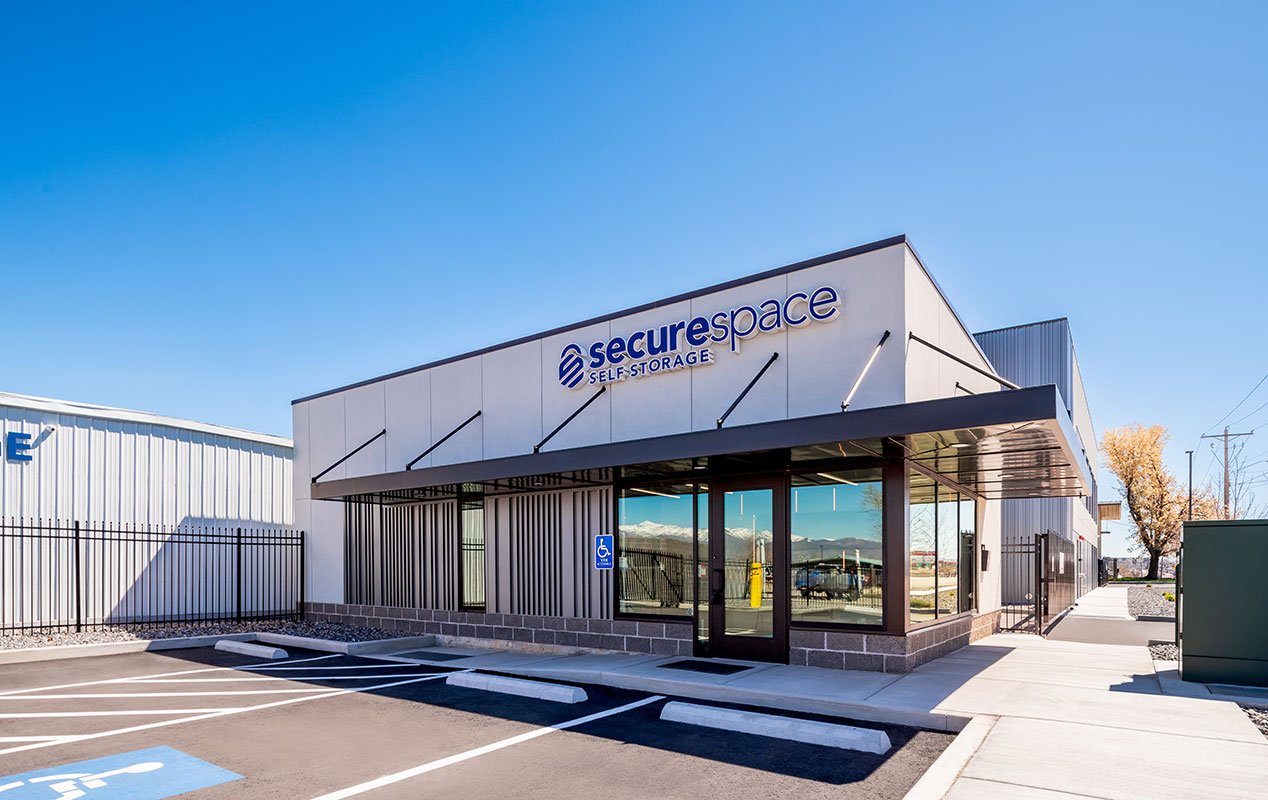
This guide explains what smart storage can mean, which claims to verify, and what digital conveniences are available at SecureSpace Self Storage Murray.
Smart storage usually refers to storage features that use digital tools to simplify access, rental management, or facility monitoring. Depending on the facility, that may include online payments, touchless move-in, computer-controlled access, digital video recording, logged access, or app-based entry systems.
The key is not the label. The key is the exact feature set. Before renting, ask what is available at the specific location and how it works for move-in, account management, access, and security.
Many renters already manage bills, appointments, deliveries, and home devices from their phones. Storage is part of that same expectation: people want fewer errands, clearer account tools, and a move-in process that fits around work, school, family, or a busy moving day.
According to Workforce Services, Utah's tech industry supports over 67,400 jobs, with employment running 34% above the national average. In a region where many residents are comfortable with digital tools, online payments and touchless move-in can make storage feel less dated and more manageable.
That does not mean every facility has phone-based locks or app-controlled units. It means renters should look closely at which digital features are actually offered instead of relying on broad "smart" language.
Some storage technology is facility-wide. Some is unit-specific. Some may be optional or available only at certain locations. Before renting, verify the details.
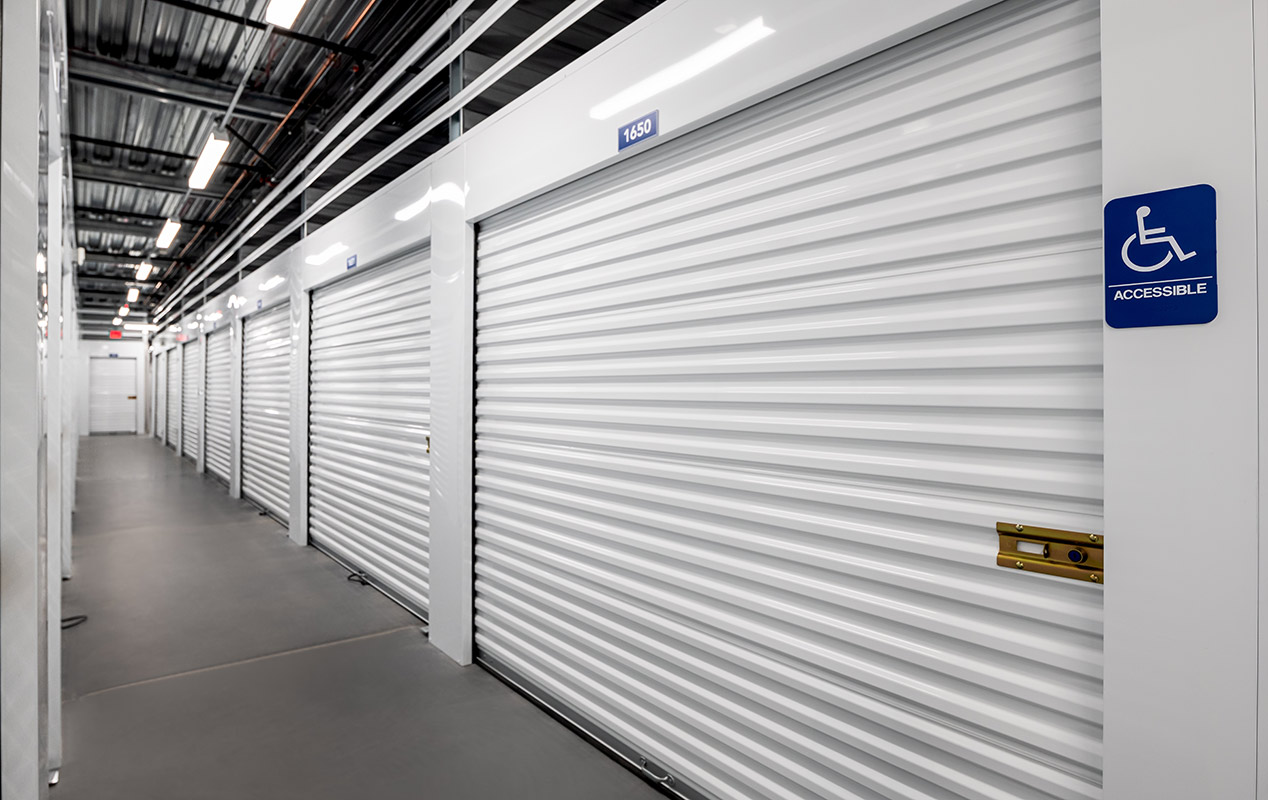
If a facility advertises app-based unlocking, ask whether the app opens the gate, building doors, individual units, or only supports account management. Also ask whether a physical lock, keypad, or access code is still required.
Do not assume phone-based entry is available unless the facility clearly explains how access works.
Digital key sharing can be useful when movers, family members, roommates, or employees need temporary access. If this matters to you, ask whether the facility offers shareable digital access, how it is tracked, and whether access can be changed later.
If digital sharing is not part of the access process, plan ahead for who is authorized to enter the unit and how pickup or drop-off will work.
Some facilities may advertise motion alerts, unit sensors, or in-unit monitoring. If you see those claims, ask whether they apply to your specific unit, whether the service costs extra, and how notifications work.
For SecureSpace Self Storage Murray, ask the facility directly about any optional unit-level monitoring, SMS alerts, or individual unit alarm features before renting.
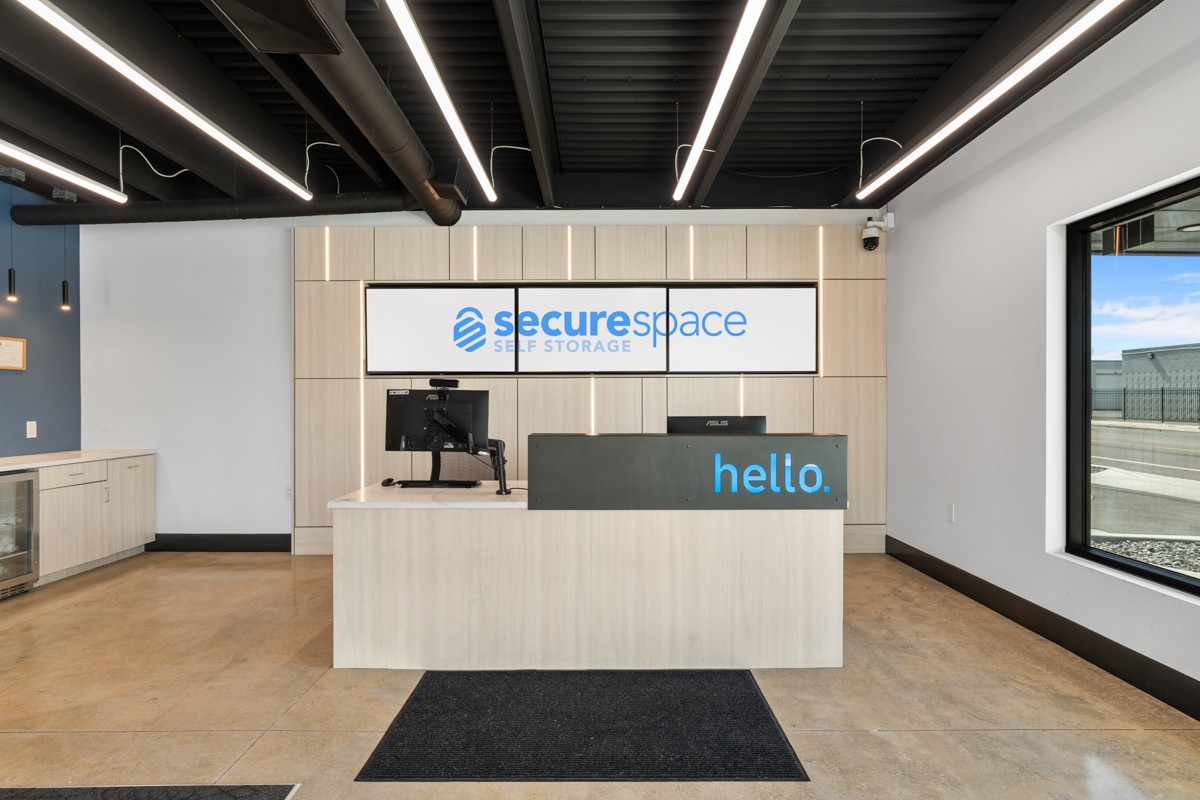
SecureSpace Self Storage Murray offers online payments, ACH and credit card payment plans, touchless move-in, and touchless computer-controlled access. These features can help reduce extra office steps and make account management more convenient.
The facility is located at 4317 Commerce Drive in Murray, UT. Daily access runs from 7:00 AM to 9:00 PM, so plan visits, move-ins, and pickups within that access window.
Security features include an access gate, digital video recording, logged access, overnight surveillance, and Turing Enabled monitoring. Renters should still take practical steps such as using a quality lock, keeping an inventory, labeling boxes clearly, and reviewing any coverage requirements before move-in.
The difference between smart storage and basic storage is not always dramatic. Sometimes it comes down to small conveniences that make the rental easier to manage.
A basic facility may still meet your needs if you only need temporary space for durable items and do not plan to visit often. A facility with stronger digital conveniences may be more useful if you want online payments, touchless move-in, clearer access records, or fewer in-person steps.
Before choosing, compare:
How move-in works
Whether online payments are available
Whether access is logged
Which security features are offered
Whether any app-based or unit-level tools apply to your rental
What the daily access window allows
What support is available if access does not work as expected
Digital storage conveniences can help renters who want fewer moving-day delays and less account-management friction.
Online payments and touchless move-in can help if storage needs to fit around work, errands, or a tight moving schedule.
If multiple people are helping with a move, clear access planning matters. Renters should decide who is authorized to access the unit and how pickup or drop-off will be handled before move-in day.
Business users may value logged access, online payments, and month-to-month leases when storing records, supplies, displays, or boxed inventory. Business items should still comply with facility rules, especially anything regulated, hazardous, medical, perishable, or requiring special handling.
Touchless move-in and online payments can be useful during lease gaps, semester transitions, or short-term moves. Students should plan access around the daily gate window and avoid storing items they may need while away.
Before choosing a storage unit, ask direct questions about the technology rather than relying on broad marketing terms.
Useful questions include:
Is move-in touchless?
Can I pay online?
What access method is used at the gate or building?
Is access activity logged?
Are there app-based features?
Are individual unit alarms or motion alerts available?
Do those features cost extra?
What happens if my phone, code, or access method does not work?
What are the daily access hours?
What coverage requirements apply?
The answers will tell you more than the phrase "smart storage" by itself.
SecureSpace Self Storage Murray offers touchless move-in, touchless computer-controlled access, online payments, and ACH and credit card payment plans. If app-based unit unlocking is important to you, ask the facility to walk through the current access process before renting.
Security features include an access gate, digital video recording, logged access, overnight surveillance, and Turing Enabled monitoring. Renters should still use a quality lock, keep an inventory, and review coverage requirements.
If someone else needs access to your unit, ask SecureSpace Self Storage Murray about authorized access procedures before move-in. It is best to understand how access works before coordinating movers, relatives, roommates, or employees.
SecureSpace Self Storage Murray offers daily access from 7:00 AM to 9:00 PM. Plan move-ins, pickups, and drop-offs during that window.
Pricing depends on unit size, features, availability, rental terms, and any current promotions. Compare the current rate, access method, rental terms, and available digital features before choosing a unit.
Smart storage should make the rental easier, not harder to understand. Focus on the features that matter most for your situation: online payments, touchless move-in, access procedures, security features, and how often you need to visit.
If digital conveniences are part of your storage checklist, start with the current options for self storage in Murray, UT and ask which features are available for the unit you plan to rent.
Everything you need to store your belongings securely, on your schedule.
Visit us online