Last updated Jul 24, 2026
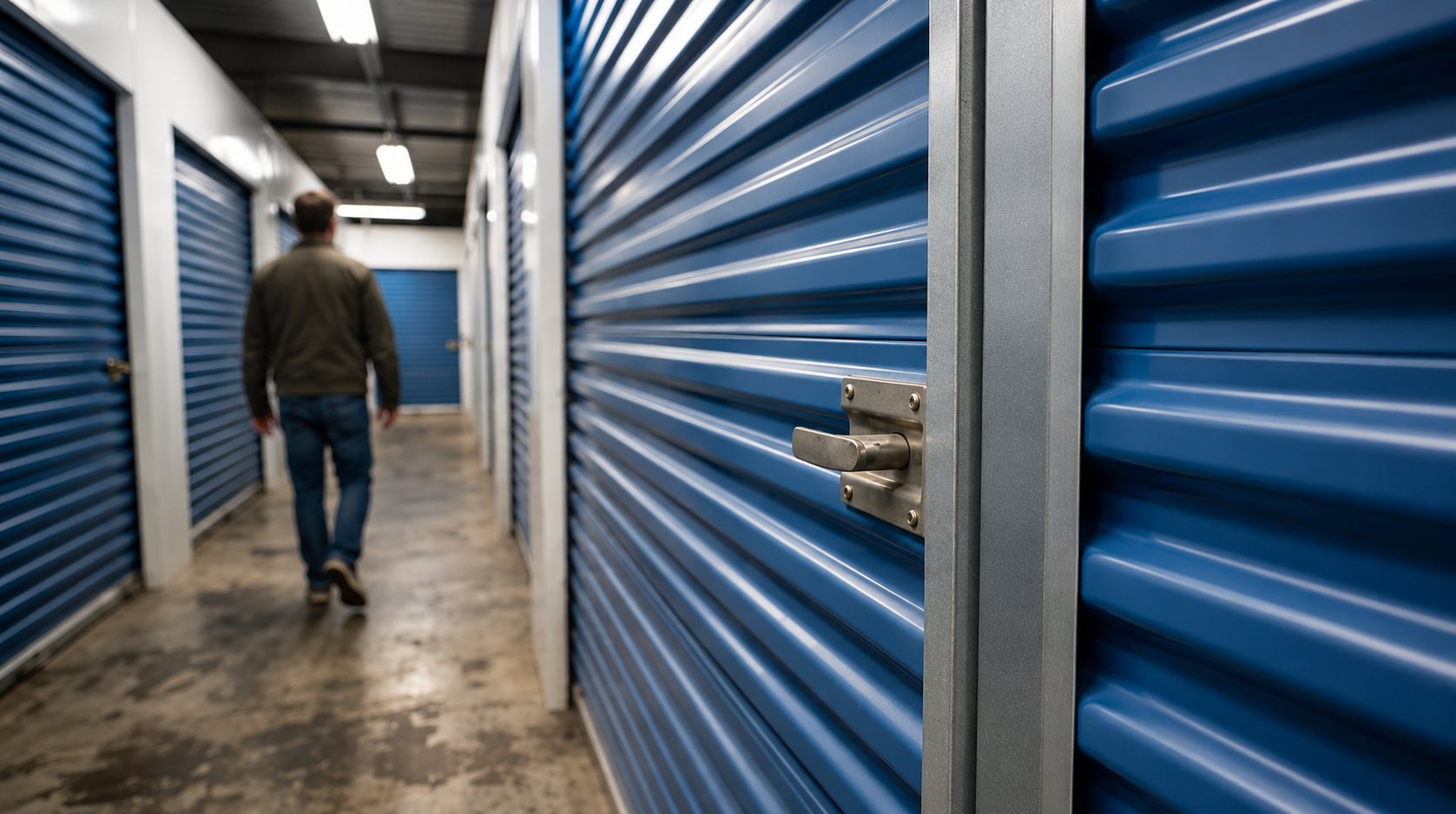
Living in Seattle often means making the most of a small space. Seattle Agent Magazine has reported that a notable share of the city's apartments are micro-units, which makes extra room valuable for renters with outdoor gear, business supplies, seasonal items, or boxes they do not need every day.
When your home is compact, storage can become an off-site extension of your living space. And if you're used to managing bills, deliveries, travel, and appointments from your phone, it makes sense to look for a storage experience that is easy to review, reserve, and manage online.
This guide explains what "smart storage" can mean, which digital features to compare, how to separate real functionality from marketing language, and what Seattle renters should review before choosing a facility.
Smart storage is a broad term. In some cases, it refers to digital rental tools, online payments, electronic access systems, or app-based account management. In other cases, it may refer to more advanced features such as smart-entry systems, in-unit monitoring, or temporary digital access credentials.
Some modern facilities use systems such as Nokē Smart Entry, which is designed around digital access technology. Other facilities may offer simpler online rental and account tools without app-controlled unit access.
The key is to verify the exact features available at the specific location and unit you are considering. Do not assume a facility has Bluetooth access, app-controlled doors, in-unit alerts, or digital keys unless those features are clearly listed for that location.
Seattle has a large tech workforce, and a HUD market profile notes the area's high concentration of tech workers among major U.S. metro areas. Many residents are comfortable with digital tools and may prefer storage that offers online reservations, transparent pricing, online payments, and clear move-in instructions.
Seattle is also a city where space is at a premium. Compact apartments in neighborhoods like Capitol Hill, Fremont, Ballard, and the University District can make it harder to store seasonal gear, extra furniture, bicycles, records, and household overflow at home.
Digital convenience does not replace the basics. A useful storage facility still needs the right unit size, practical access hours, clear rental terms, and a location that works with your routine.
Digital access varies by facility. Some locations may use app-based entry systems, some may use electronic access procedures, and others may rely on traditional access methods with online account management.
A typical digital-first storage process may include:
Reviewing available units online
Comparing sizes and current rates
Starting a reservation or rental online
Managing billing through an online account
Receiving move-in instructions digitally
Reviewing access procedures before arrival
If app-based access matters to you, ask specific questions before renting:
Is access controlled by an app, keypad, code, office check-in, or another process?
Does the app open the gate, building door, unit door, or only certain entry points?
Can you share access with movers or helpers?
Are access logs available to customers?
What happens if your phone battery dies or service is unavailable?
The goal is to avoid surprises on move-in day.
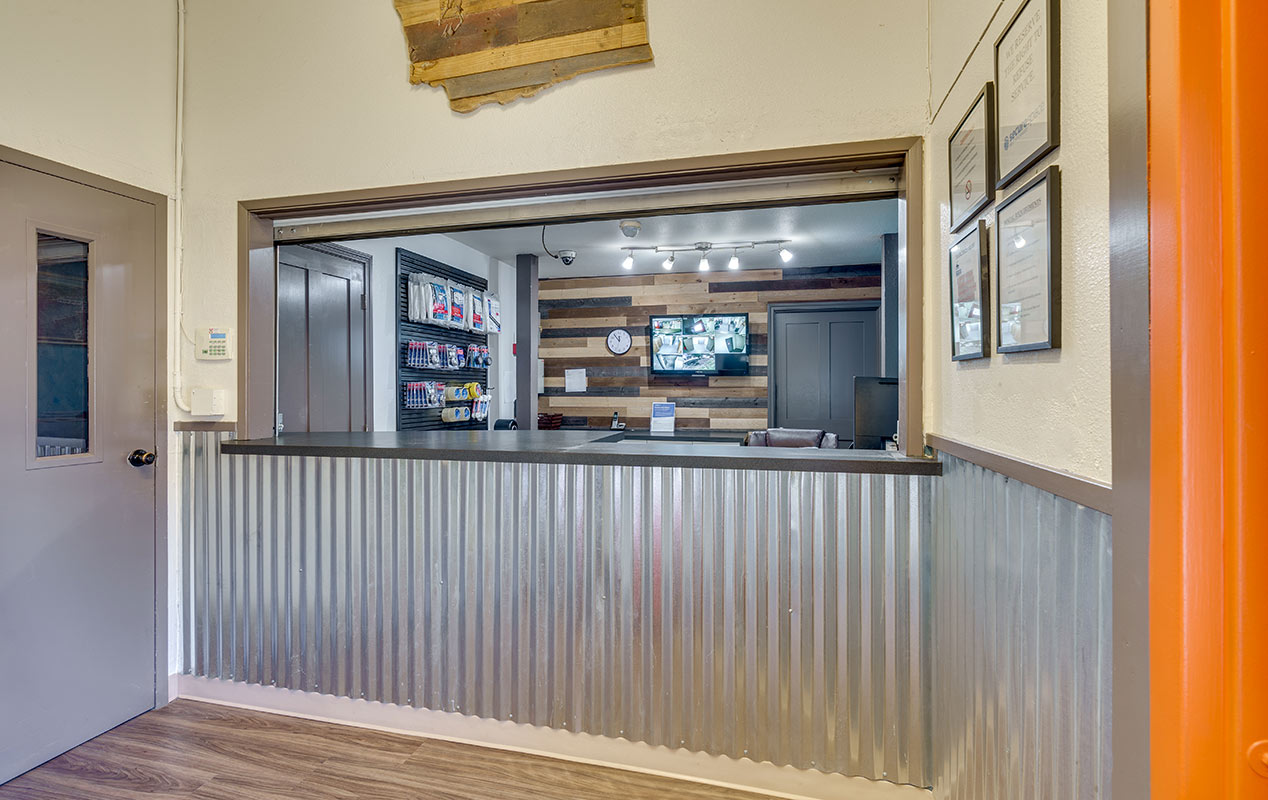
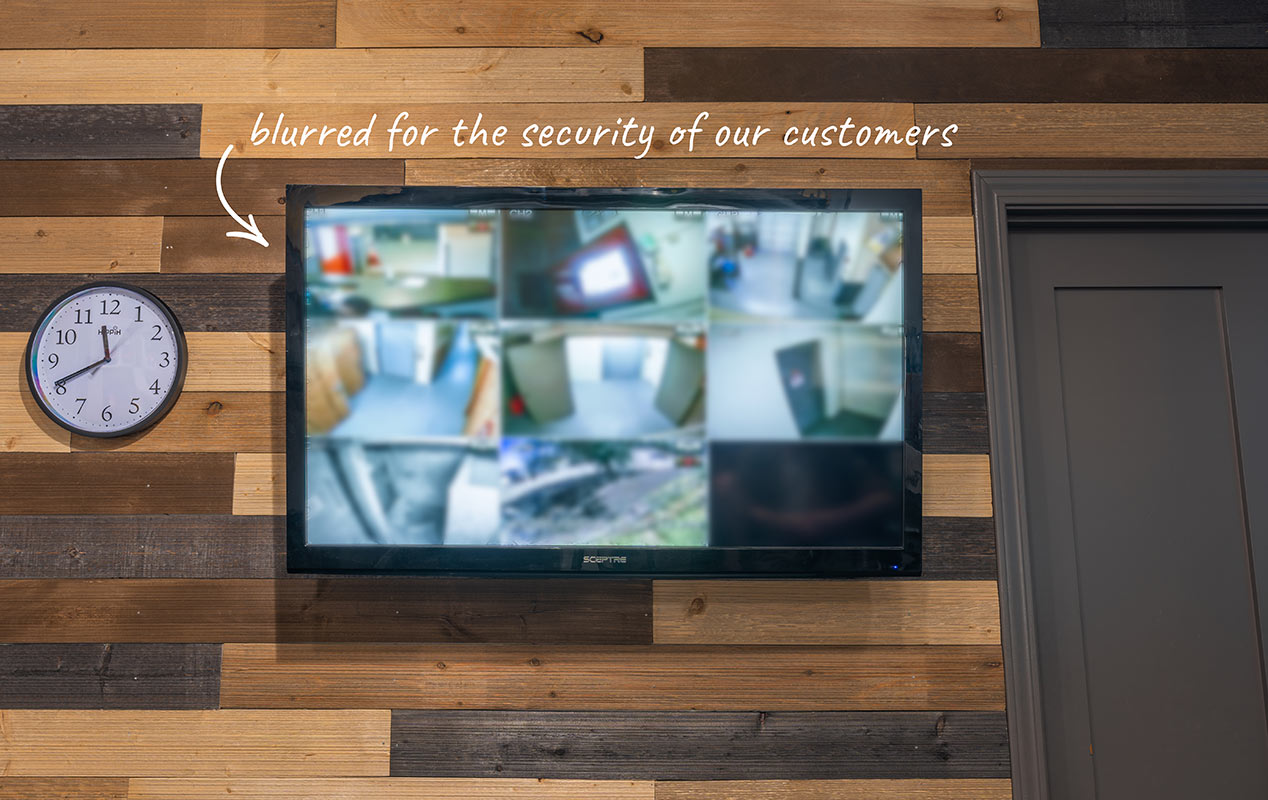
Security features vary by facility, so focus on what is actually listed rather than broad promises. Useful features may include digital video recording, logged access, posted access procedures, staff availability, and clear move-in instructions.
Some storage technology companies also offer in-unit monitoring products. For example, StorageDefender's Motion Guard describes motion-based alert technology for storage units, and SecureSpace has information about Motion Guard. Availability, cost, and eligibility can vary, so confirm whether any monitoring add-on is available for the exact unit and location before relying on it.
You can also take your own practical steps:
Use a quality lock where applicable.
Keep a written or photo inventory.
Photograph higher-value items.
Save serial numbers for electronics or business equipment.
Review insurance or coverage options.
Check access procedures before move-in.
A storage decision should be based on both facility features and your own storage habits.
Some smart-entry systems may allow temporary digital access credentials, but this is not universal. If you need movers, roommates, family members, or helpers to access your unit, ask the facility exactly how shared access works.
Before move-in, confirm:
Whether temporary access is available
Whether shared access can be limited by date or time
Whether the facility allows movers to access the property without you present
Whether you need to notify staff ahead of time
How access is revoked after the move is complete
If temporary digital access is not available, plan another approach. You may need to be present, coordinate with the office, or follow the facility's standard access procedure.
Some Seattle storage facilities may offer heated indoor storage, depending on the location and current unit availability. Heated indoor storage can be useful during colder months because it keeps belongings inside a building and may reduce exposure to colder conditions compared with non-heated spaces.
Avoid assuming a unit is climate-controlled, humidity-controlled, or suitable for sensitive items unless the facility clearly lists that feature. Before storing household goods, business supplies, clothing, documents, or electronics, make sure items are clean, dry, and packed properly.
For Seattle storage, a few basics matter:
Dry outdoor gear before storing it.
Avoid damp cardboard, fabric, bedding, or soft goods.
Use sturdy containers for stacked items.
Keep frequently needed items near the front.
Review facility rules for food, liquids, batteries, appliances, and prohibited items.
Not every facility that uses the word "smart" delivers the same experience. When comparing options in Seattle, weigh the features that actually matter for how you plan to use the unit.
Look for a rental process that is easy to understand from your phone or computer. Some facilities use systems such as Nokē, while others may offer online reservations, billing, or account management without full app-based entry.
Confirm how you will enter the property, building, and unit. Also ask what happens if your phone is unavailable, the app is not working, or you need access help outside office hours.
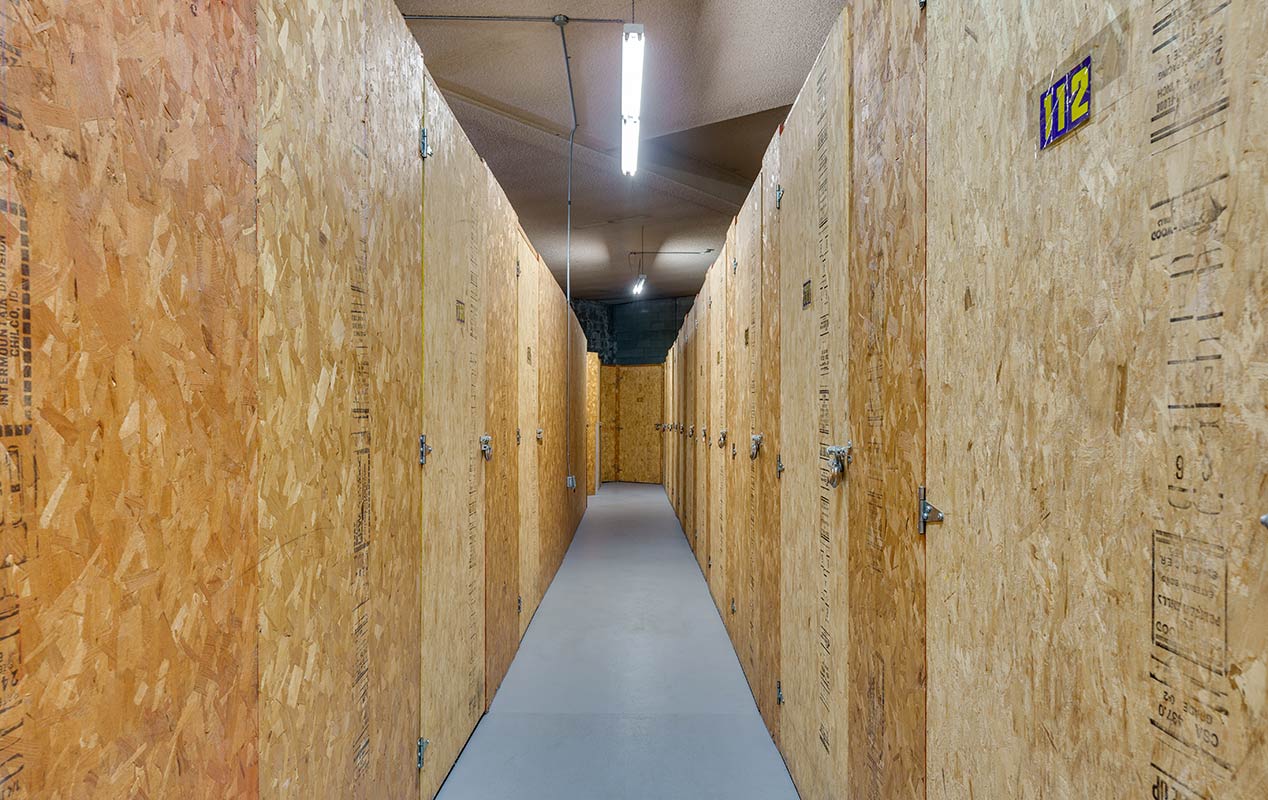
Review the exact unit details before renting. Is it indoors? Heated? Elevator-access? Ground-level? What are the access hours? Are carts or dollies available? These details often matter more than the "smart" label.
Review the facility's listed security features, ask whether any monitoring add-ons are available, and decide what personal precautions you will take.
Seattle traffic is real, so pick a facility that fits your regular route. If you plan to visit often, a slightly more convenient location may matter more than a lower rate across town.
Storage pricing in Seattle depends on unit size, location, availability, features, access setup, and current promotions. Digital tools or monitoring add-ons may affect cost, but pricing varies by facility.
Before renting, compare:
Base monthly rent
Promotion terms
Administrative fees
Insurance or proof-of-coverage requirements
Lock requirements
Optional monitoring add-ons
Taxes or other charges
Access hours
Move-out notice requirements
The standard monthly rate after any promotion ends
If you only need basic overflow storage and rarely visit, a simpler unit may work well. If you value online management, digital convenience, or monitoring add-ons, review those features carefully and confirm the full monthly cost before signing.
Seattle rewards people who make their space work harder. Smart storage can fit that mindset when it gives you practical digital tools, clear access procedures, and a storage setup that fits your routine.
The best choice is not necessarily the facility with the most tech language. It is the one that clearly explains its unit features, access process, rental terms, security features, and pricing.
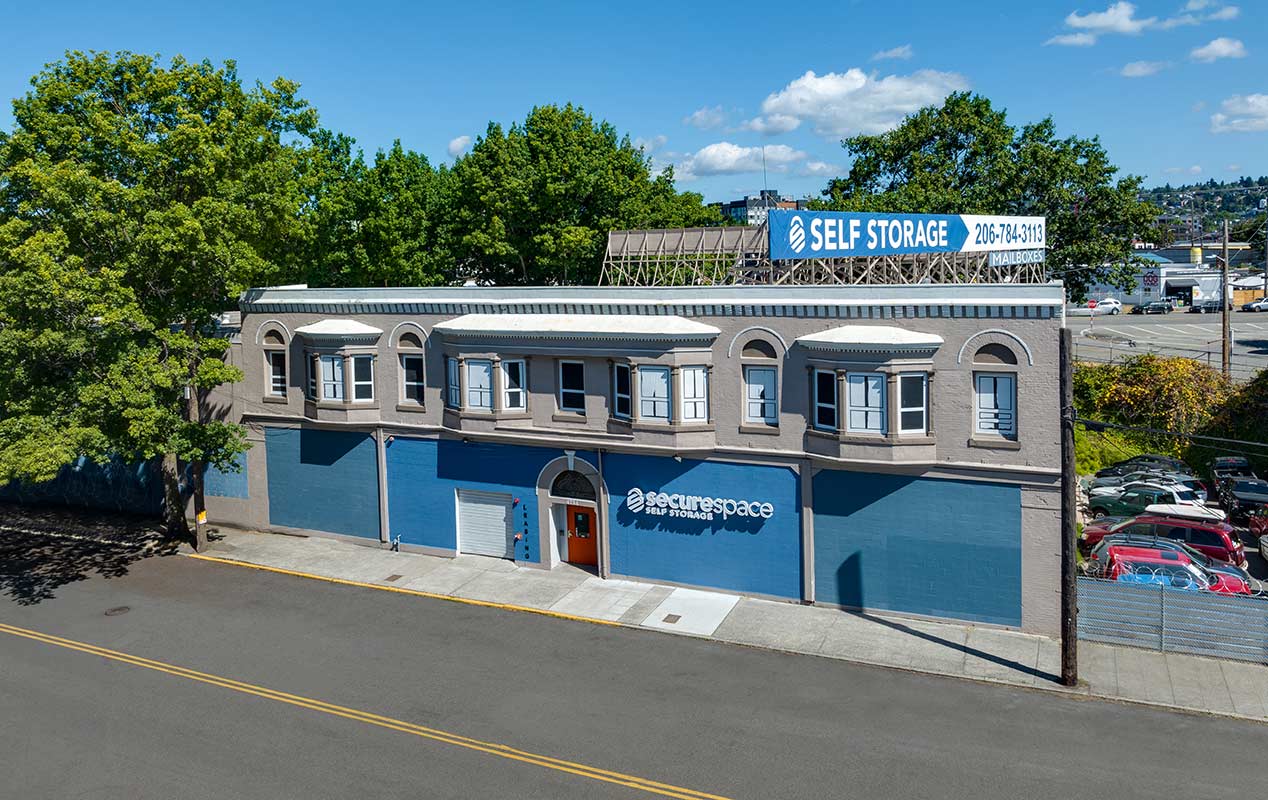
Ready to compare current Seattle storage options? Browse available units at SecureSpace Self Storage in Seattle.
It depends on the facility. Some storage locations may use app-based access, while others may offer online rental tools with a standard access process. Confirm the exact entry method before renting.
Not automatically. Security depends on the specific facility, listed features, access procedures, monitoring options, and your own precautions. Review features carefully, use a quality lock where applicable, and keep an inventory of stored items.
Sometimes. Some facilities may allow temporary digital access, while others require standard access procedures. Ask the facility how mover or helper access works before move-in day.
Some may, depending on the location and current availability. Review the exact unit details before reserving, and make sure belongings are clean, dry, and packed properly before storage.
Not always. Some monitoring products may use text alerts, while some facilities may not offer in-unit alerts at all. Confirm whether monitoring is available for your specific unit and whether it requires an app, text messaging, or an added monthly fee.
Everything you need to store your belongings securely, on your schedule.
Visit us online